Git Repository
Manage the connected Git repository under Project Settings → Git Repository.
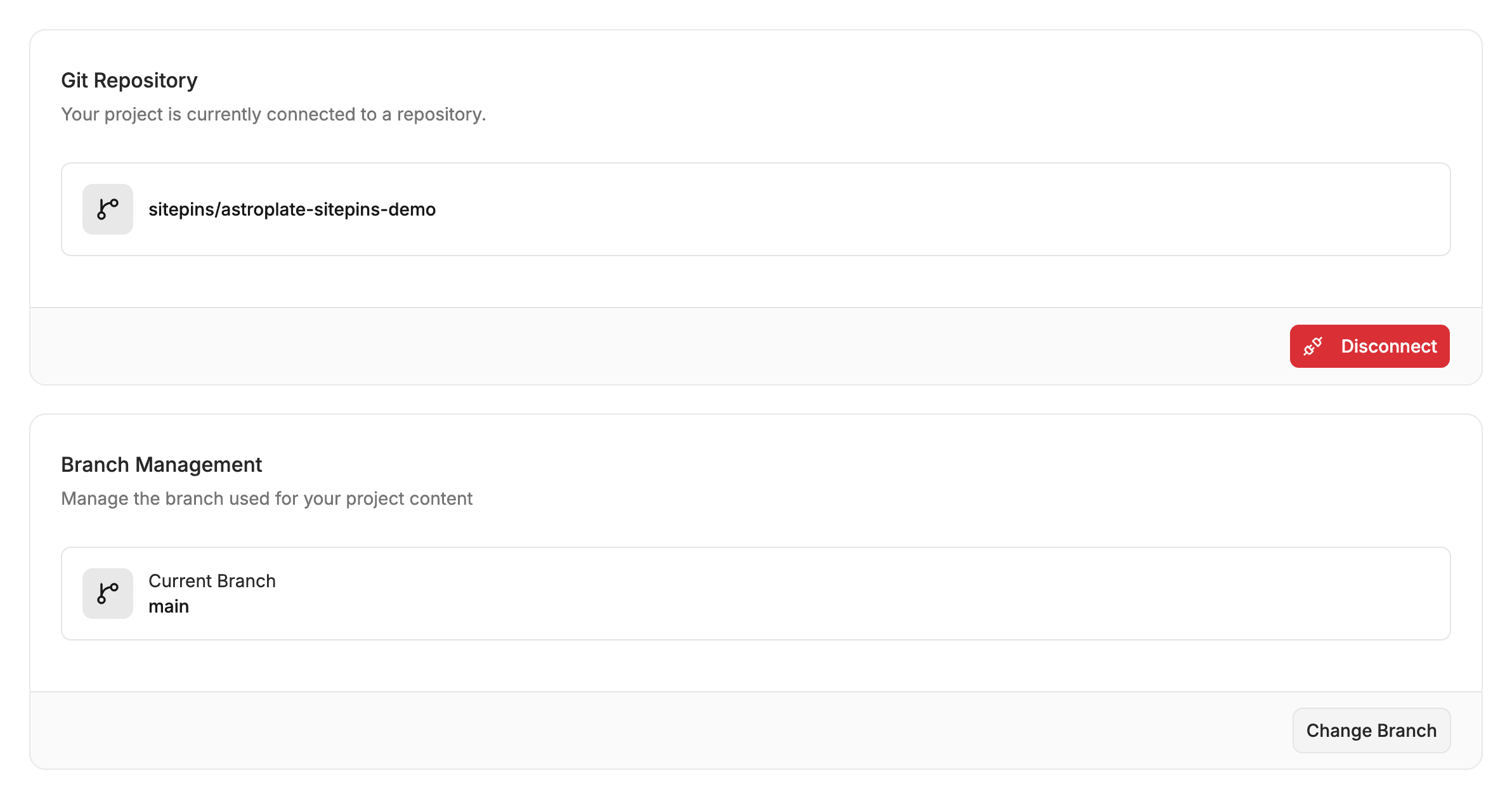
🌿 Connected Git Details
- Connected Repository: The GitHub or GitLab repository linked to this site.
- Default Branch: The branch Sitepins edits and commits to by default (e.g.
mainorproduction). - Visibility: Indicates whether the underlying Git repository is Public or Private.
🔒 Permissions & Safety
Sitepins connects via the official GitHub App or GitLab OAuth app:
- Write Access: Allows Sitepins to commit content updates, upload media, and create pull requests on your behalf.
- Webhook Events: Keeps the CMS in sync when external commits are pushed directly to GitHub or GitLab.
- Zero Password Sharing: Personal Git passwords are never stored or shared with team members.
Last updated on