Content Structure
Sitepins works directly with the files in your Git repository. It transforms raw Markdown and data files into visual forms without altering your repository structure.
📚 Section Overview
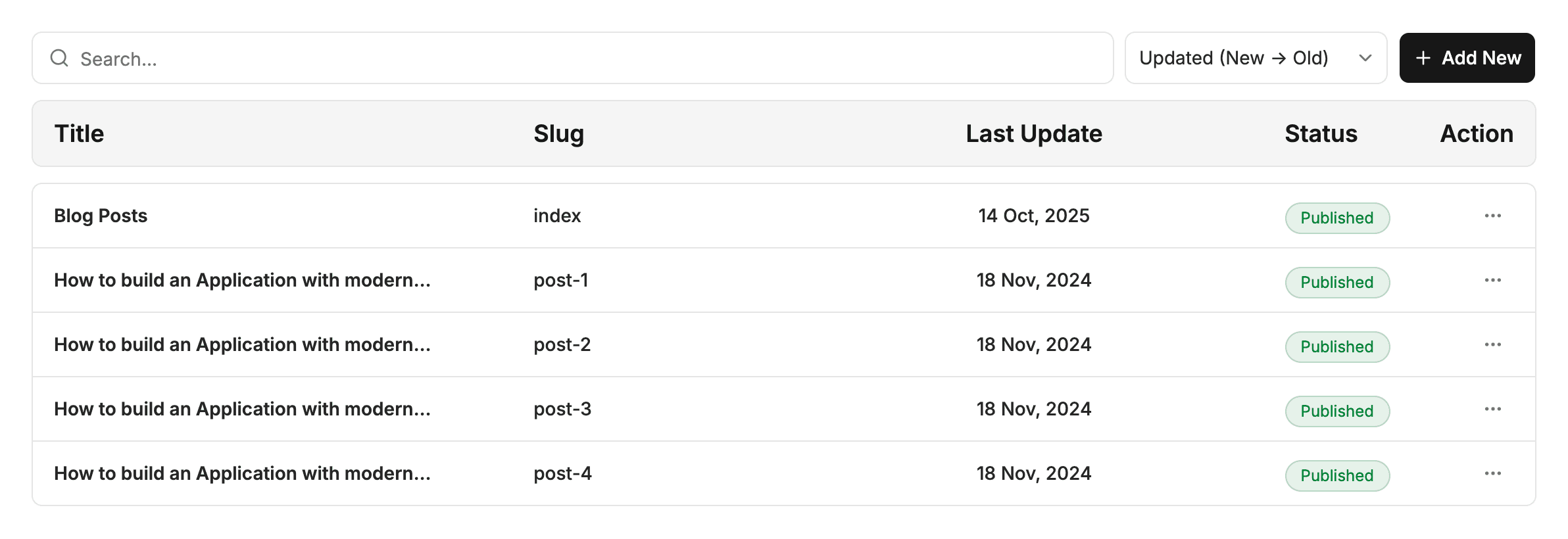
- Files & Folders: Browse, create, sort, duplicate, and delete content files directly from the CMS.
- Content Schemas: Define form templates for collections like blogs, authors, or products with custom fields and validations.
- Config Files: How
.sitepins/config.jsonstores project settings inside your Git repository. - Sidebar Arrangement: Organize and reorder folders in your left navigation without altering disk directories.
- Media Library: Upload, optimize, rename, and organize images and assets with instant Git commits.
Last updated on