Create an Account
You can create an account and get started at app.sitepins.com .
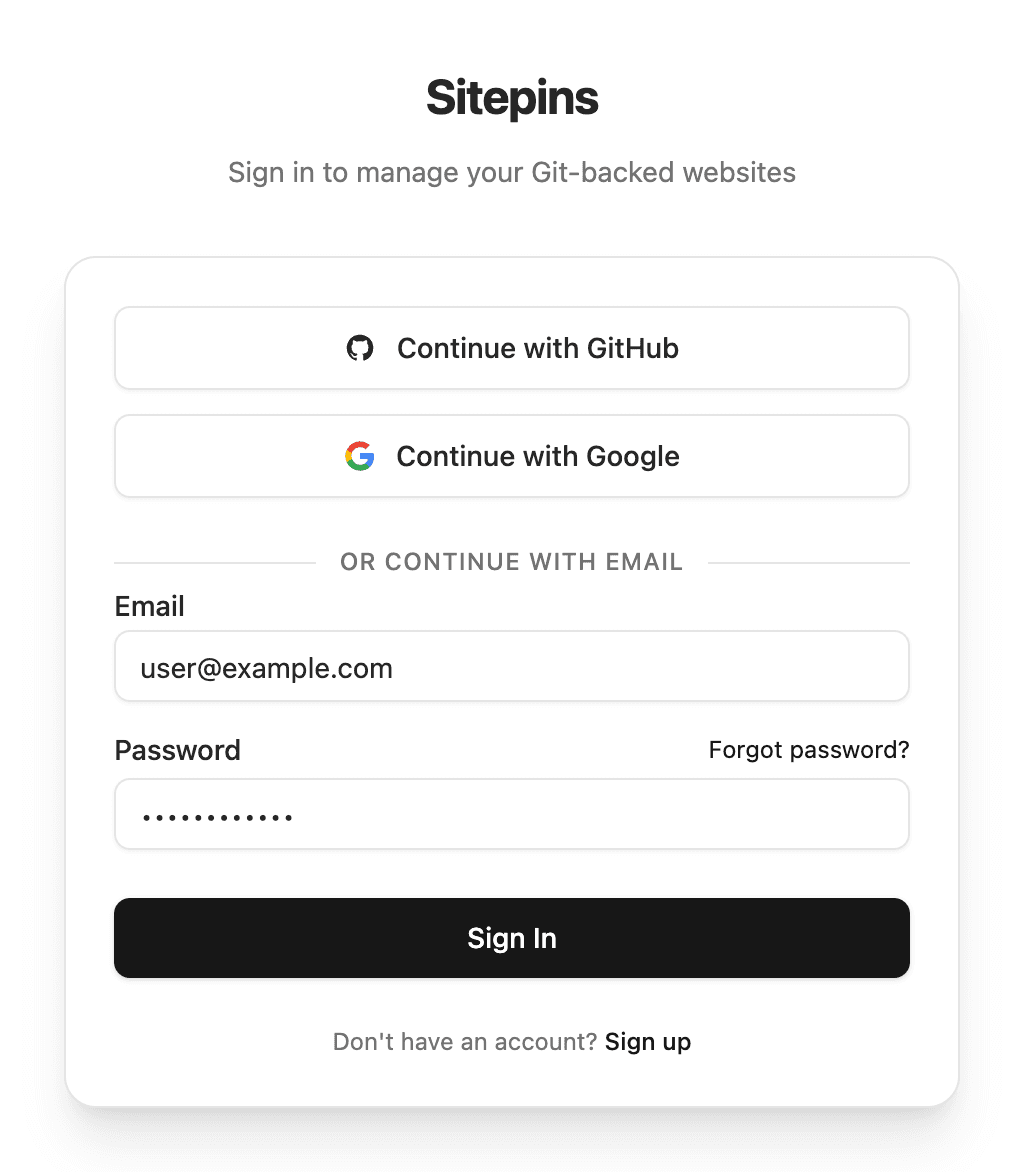
🔑 Ways to Sign Up
Option 1: Email & Password
- Open the Register page.
- Enter your Name, Email, and a secure Password.
- Pick your role or profession to personalize your workspace.
- Click Create Account.
6-Digit Email Verification
Sitepins immediately sends a 6-digit verification code to your email address:
- Enter the code on the verification screen to activate your account.
- Codes expire after 10 minutes. Click Resend code if needed.
- You are logged in automatically upon successful verification.
Option 2: Continue with Google or GitHub
- Click Continue with Google or Continue with GitHub on the login screen.
- No password or email verification step is needed.
- Automatic Account Linking: If you sign in with Google and later with GitHub using the same email, both link to your single Sitepins account.
⚠️ Important: GitHub Sign-In vs. Repository Access
Signing into Sitepins with your GitHub account does not automatically grant access to your code:
- Sign in with GitHub: Simply verifies your identity (who you are).
- Connecting a Repository: A separate security step where you install the Sitepins GitHub App and choose which specific repositories it may edit.
Learn how to connect repositories in the next step: Add a New Site.
Last updated on