Content Snippets
Available on Pro plan and self-hosted. Save custom shortcodes and components as reusable building blocks for your editors.
Snippets allow developers to define reusable MDX components or Hugo shortcodes (e.g. <Button>, <Alert>, <Newsletter>) that content authors can insert without writing code.
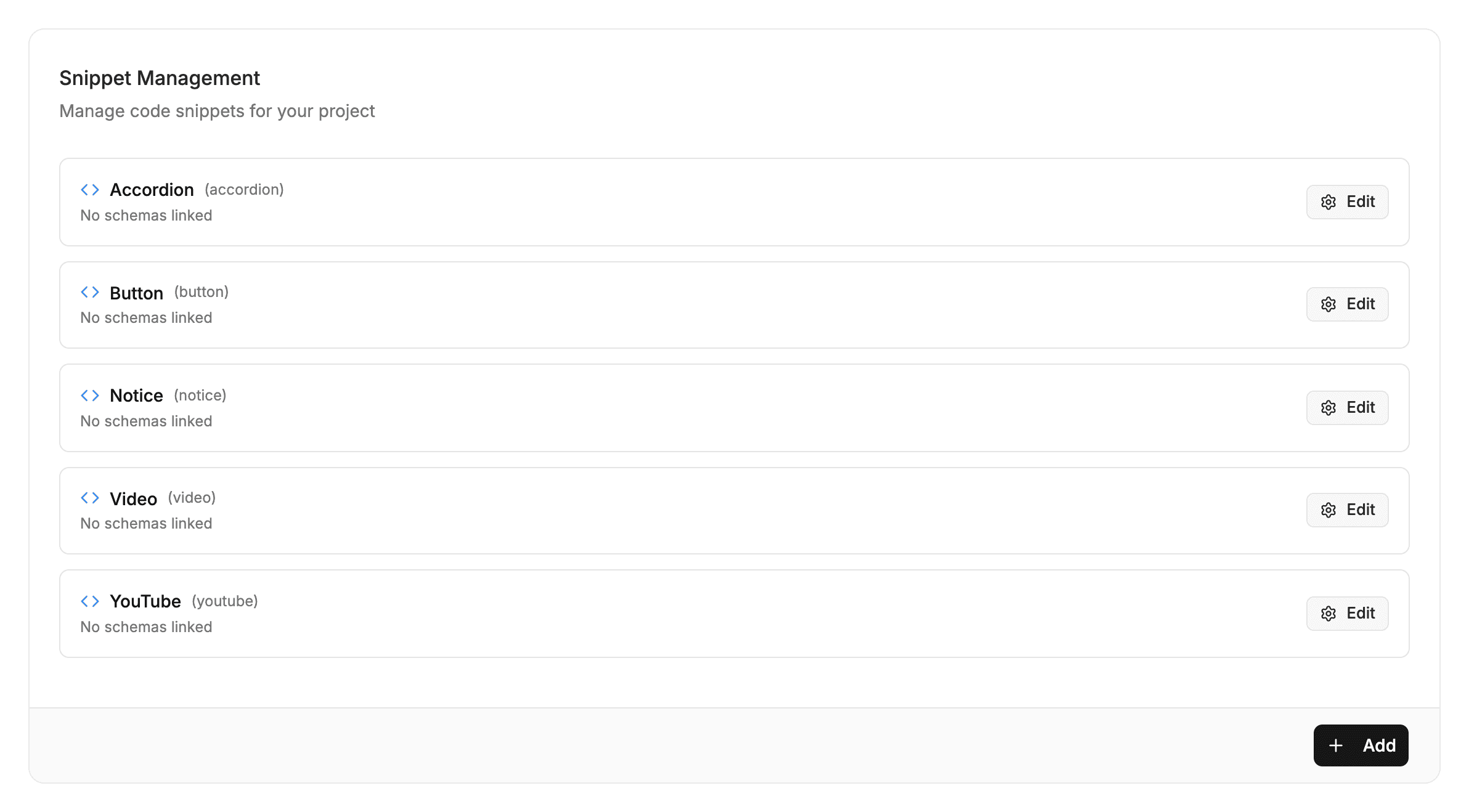
🛠️ Creating Snippets
- Go to Project Settings → Snippets.
- Click Create Snippet.
- Define the template code and editable parameters:
<Button href="{{url}}" variant="{{variant}}">{{label}}</Button> - When authors type / or click the snippet button, a visual form pops up asking for
label,url, andvariant. - The formatted snippet is placed into the document cleanly!
Last updated on