Configure Your Site
Sitepins automatically detects popular frameworks (Astro, Next.js, Hugo, TanStack Start) and suggests your folder paths.
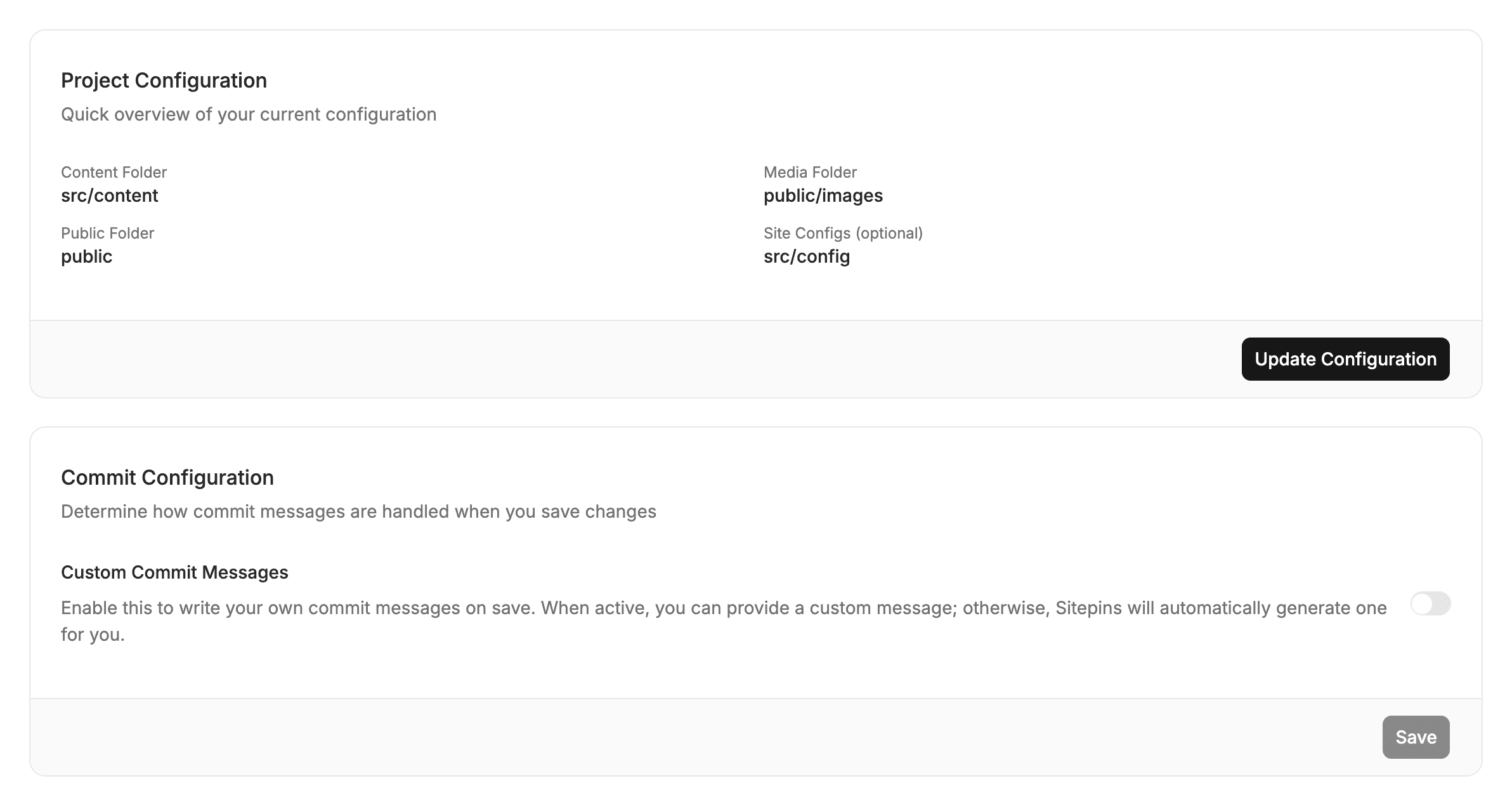
📁 3 Essential Folder Settings
1. Content Folder
The directory containing your articles, pages, and data files (.md, .mdx, .json, .yaml, .toml).
- Astro / Next.js: usually
src/content - Hugo: usually
content/englishorcontent
2. Media Folder
Where new images and files are uploaded when using the media library.
- Astro / Next.js: usually
public/images - Hugo: usually
static/imagesorassets/images
3. Public Folder
The root public assets folder exposed by your static site generator.
- Astro / Next.js:
public - Hugo:
static
💡 Media Folder vs. Public Folder
A quick rule of thumb:
- Media Folder is where files are written on disk (e.g.,
public/images). - Public Folder is the root that the browser maps to
/(e.g.,public). - Result: An image uploaded to
public/images/hero.pnggets referenced in Markdown cleanly as/images/hero.png.
⚙️ Changing Folders Later
You can update these paths at any time under Project Settings → Configure.
Last updated on