Sandbox Settings
Sitepins runs real dev servers in an isolated sandbox for Live Preview. Sandboxes run on your own Vercel account, ensuring private and secure previews.
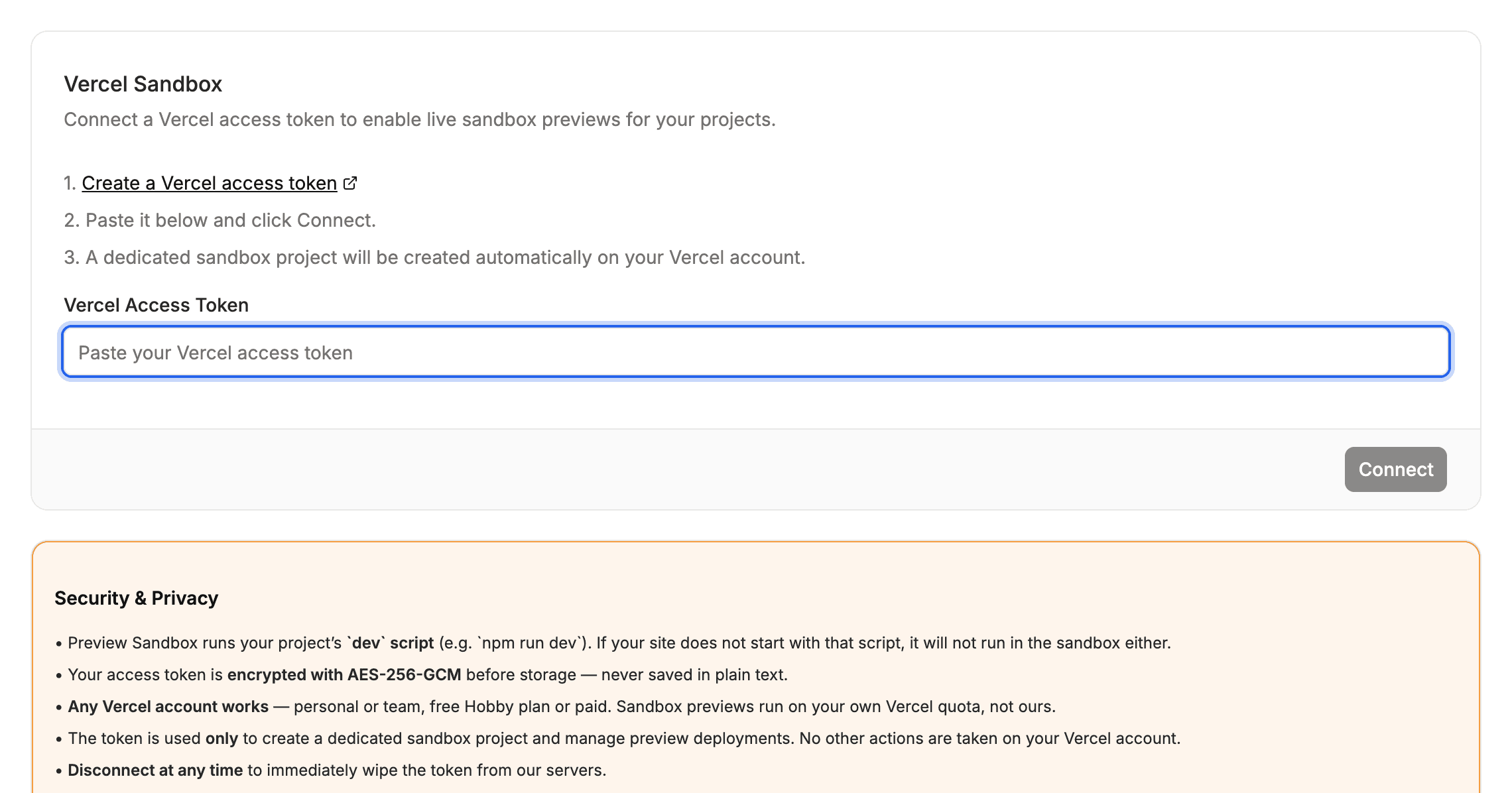
⚡ Connecting Vercel
- Open Organization Settings → Sandbox.
- Create a personal access token in your Vercel account settings.
- Paste the token into the Vercel Access Token field.
- Select your Vercel account or Team.
- Click Save Settings.
Sitepins creates a dedicated sandbox container project in your Vercel dashboard. It operates independently and never affects your production deployments.
🔒 Security & Token Safety
- Encrypted at Rest: Tokens are encrypted with AES-256-GCM.
- Dedicated Sandbox Only: The token is strictly used to spin up preview containers, never to access other Vercel projects.
- Instant Disconnect: Disconnecting deletes the stored token immediately.
Last updated on