Global Search
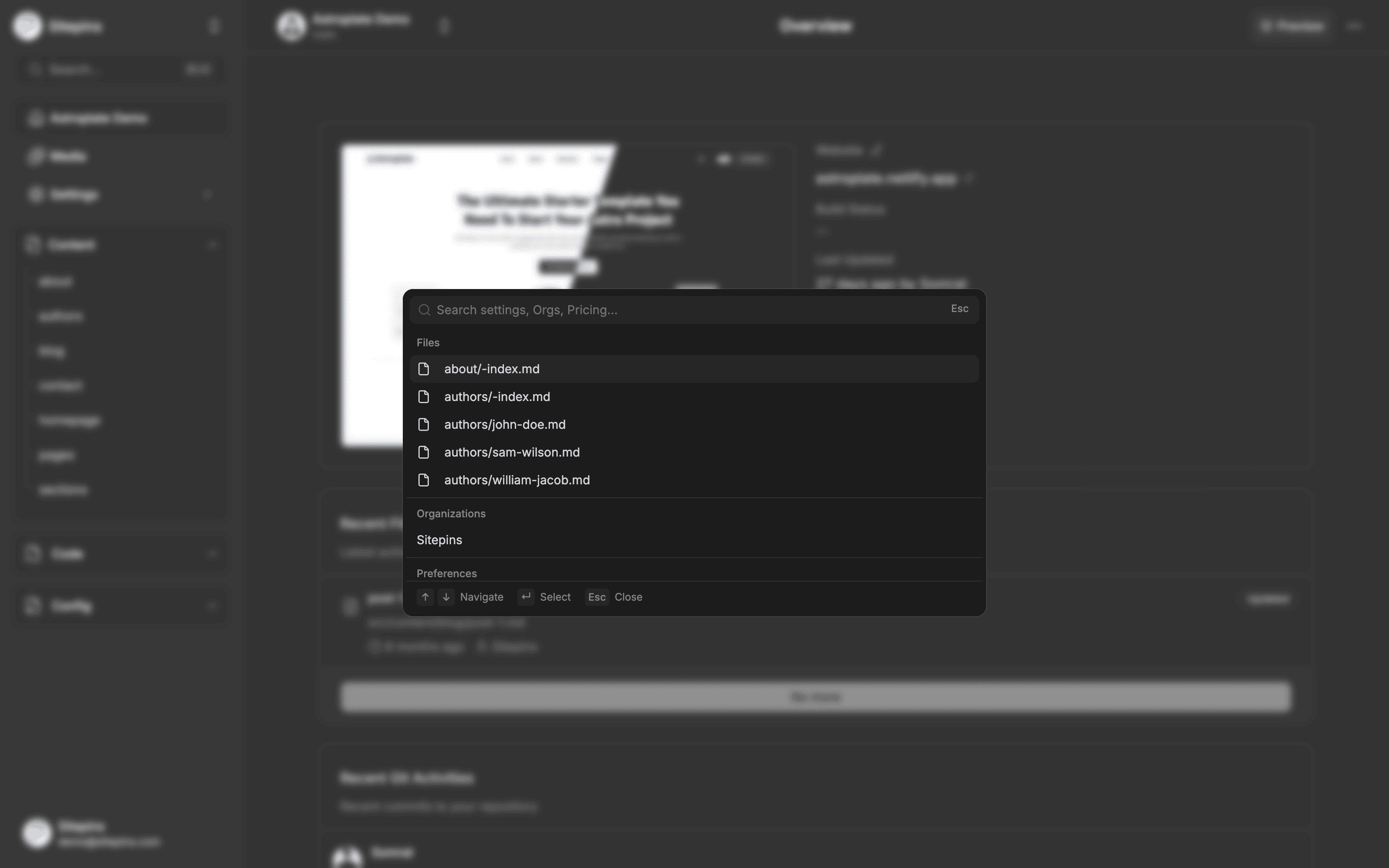
Press Cmd+K (macOS) or Ctrl+K (Windows and Linux) anywhere in Sitepins to open global search. You can also click the search box at the top of the sidebar.
Search covers far more than files — it’s the fastest way to reach any screen in the app.
What It Searches
| Group | Results |
|---|---|
| Files | Content files, config files, media, and code files in the current project |
| Organizations | Every organization you belong to — selecting one switches to it |
| Preferences | Language, Theme, Co-author |
| Billing | Manage billing |
| Organization Settings | General, Members, Sandbox |
| AI Agent | Your AI provider and key settings |
| Support & Updates | Discord support, updates and feedback |
| Account | Display picture, display name, change password, set password, newsletter subscription |
File results only appear when you’re inside a project. The other groups are available everywhere.
Each file result carries an icon showing what it is — content, config, media, or code — and selecting one opens it in the right editor for its type.
Pro plan. Code files appear in search results on Pro and above, during the free trial, and in every self-hosted install. Without a paid plan, search covers content, config, and media files.
Dual Modes: Search & CMS Copilot
Global Search is a dual-mode command palette:
1. Navigation & Search Mode
- Type to filter instantly across file paths, titles, keywords, organizations, and preferences.
- ↑ ↓ to move through results.
- Enter to open the highlighted result.
- Esc to close.
- Account and preference results jump to the right screen and scroll directly to the specific section (e.g. “Change Password” opens the exact form).
2. Conversational CMS Copilot Mode
When an AI provider is connected and Search AI / CMS Copilot is enabled in AI Agent settings:
- Click the Ask AI button or press the shortcut inside the command dialog to expand the streaming conversational assistant.
- Context-Aware Assistance: The Copilot automatically ingests your current project context — including active frameworks (Astro, Hugo, Next.js), config files, collections, and repository file structure.
- Multi-Turn Chat: Ask questions about your site architecture (“Where are blog authors defined?”, “How is the navigation structured?”), request custom Markdown/MDX snippets, or troubleshoot configs.
- Persistent Conversation: Chat history remains active while working within the modal, complete with one-click code copy and restart actions.
Large Repositories
Search is capped so it stays responsive on big repos: it shows a handful of recent files when the box is empty, and up to 50 file matches once you start typing. Narrow the query if what you want isn’t in the list — searching for a folder name alongside the filename usually does it.
If a file you know exists isn’t showing up, check that it’s inside a folder Sitepins is configured to read. See Configure Your Site.