Markdown Mode
Prefer editing raw Markdown directly? Sitepins lets you switch between visual editing and raw Markdown with one click or keystroke.
🔄 Instant Mode Switching
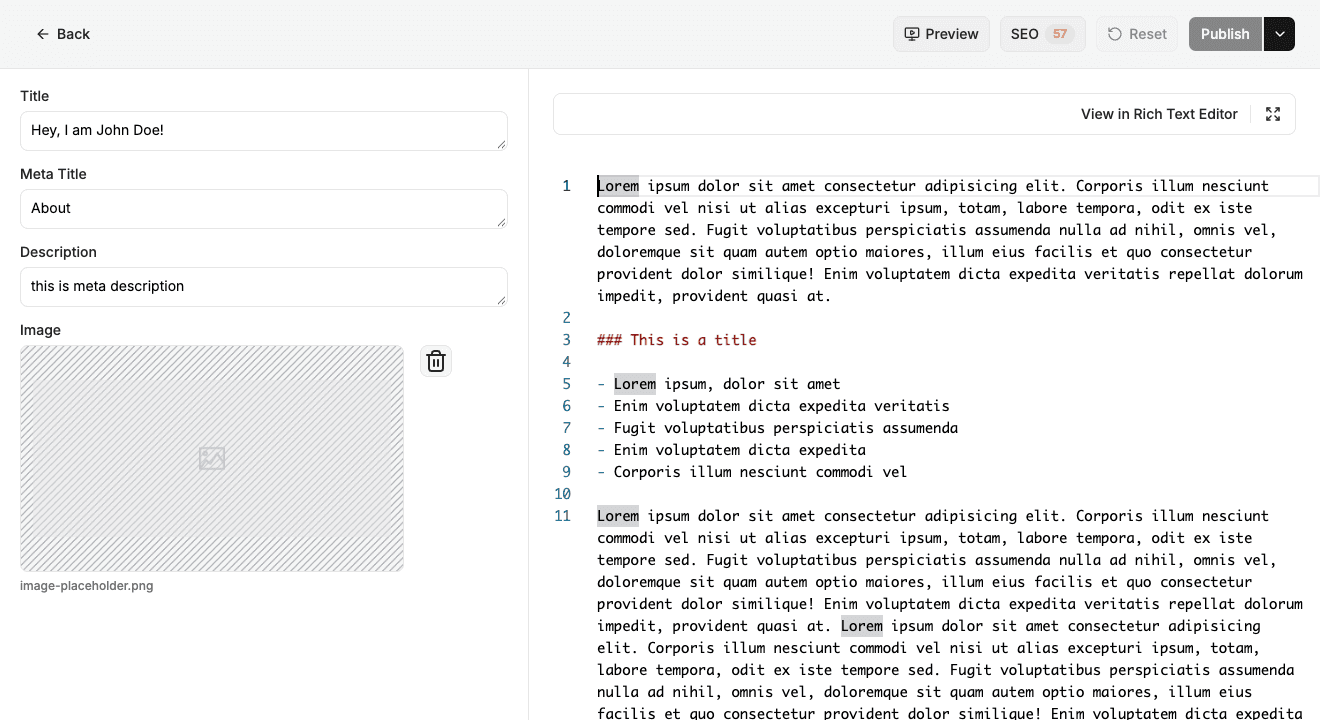
- Click: Click the Markdown toggle in the editor toolbar.
- Keyboard Shortcut: Press Ctrl+M (macOS / Windows / Linux).
Seamless State & Cursor Preservation
- Cursor Synchronization: Your exact cursor location is preserved when toggling between visual and Markdown views.
- Frontmatter Preservation: Frontmatter fields (YAML/TOML) remain synchronized with the visual form on the left.
- Round-Trip Formatting: Sitepins parses and serializes Markdown cleanly without mangling HTML comments, custom tags, or shortcodes.
Last updated on