Preferences
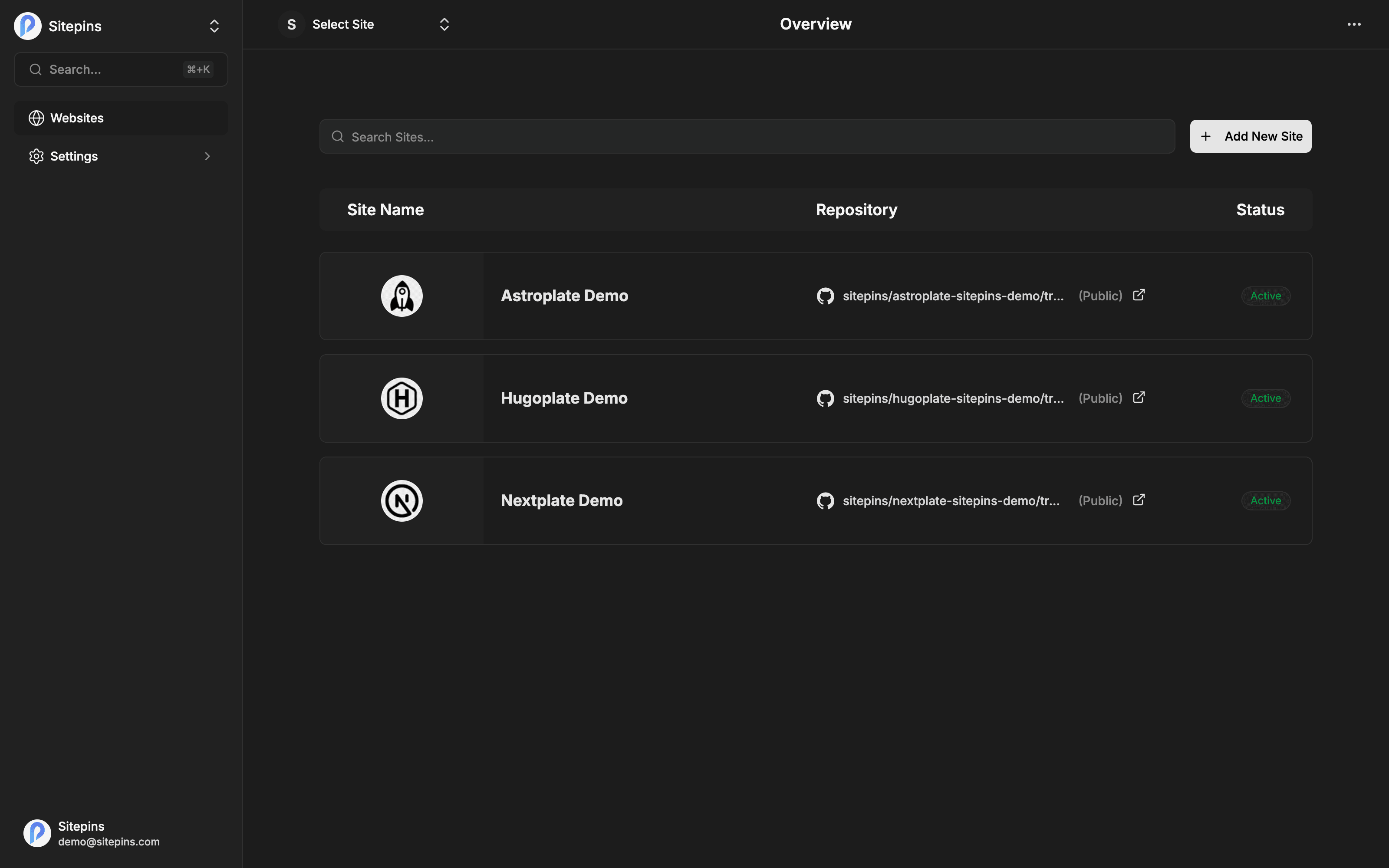
Preferences in the sidebar menu. These settings are yours alone — they follow your account across every organization and project, and don’t affect teammates.
Language
Sitepins’ interface is available in 15 languages, including full Right-to-Left (RTL) layout support:
| English | 中文 (简体) — Chinese (Simplified) |
| हिन्दी — Hindi | Español — Spanish |
| Français — French | العربية — Arabic (RTL) |
| বাংলা — Bengali | Português — Portuguese |
| Русский — Russian | Bahasa Indonesia |
| Deutsch — German | 日本語 — Japanese |
| Tiếng Việt — Vietnamese | 한국어 — Korean |
| Italiano — Italian |
Pick one and the interface switches immediately. When selecting Arabic, the entire dashboard layout automatically flips to native right-to-left orientation. Your choice is saved to your account, so it applies on every device you sign in from.
This changes the Sitepins interface, not your content. Your site’s own languages and multilingual setup are your static site generator’s concern — Sitepins edits whatever files you point it at, in whatever language they’re written.
Theme
Three options:
- System — follow your operating system
- Light
- Dark
The theme applies across the whole app, including the code editor and Markdown mode, which use matching syntax themes.
Git Co-authoring
This one has real consequences, so it’s worth understanding.
Every change you make in Sitepins becomes a Git commit. This setting decides whose name is on it.
Acting as You
Commits, branches, and pull requests are created with your personal Git identity, using your connected provider account.
git logand GitHub’s blame view show your name- Contribution graphs count the work
- Reviewers see who actually made the change
If your permissions on a repository aren’t sufficient for a particular action, Sitepins falls back to the bot automatically rather than failing.
Acting as the Bot
All repository actions are attributed to the Sitepins bot.
- Git history shows a single consistent author for CMS changes
- Easy to distinguish CMS edits from developer commits
- Doesn’t depend on each person’s individual repository permissions
Recommended when Sitepins is one input into an automated pipeline, or when you want CMS activity clearly separated from hand-written commits.
Which to choose
Acting as You is the better default for teams — real attribution is worth having when you’re trying to work out who changed a page and why.
Acting as the Bot suits setups where the CMS is a machine in the workflow: a client-editable site where all content changes should look uniform, or a repository where automation filters commits by author.
The setting is per user, so different people on the same project can choose differently.
What Isn’t Here
Notification settings beyond the newsletter checkbox on the Account page. Sitepins doesn’t send activity email — no digests, no per-change notifications.
Timezone. Dates and times are shown in your browser’s local timezone.