Getting Started
Welcome to Sitepins. Go from an empty account to visual content editing in minutes.
🚀 Quick Navigation
Explore the essential setup guides below:
1. What is Sitepins
Understand how Sitepins reads and edits Markdown files in your Git repository without vendor lock-in.
2. Create an Account
Sign up via Email, GitHub, or Google and verify with a quick 6-digit code.
3. Add a New Site
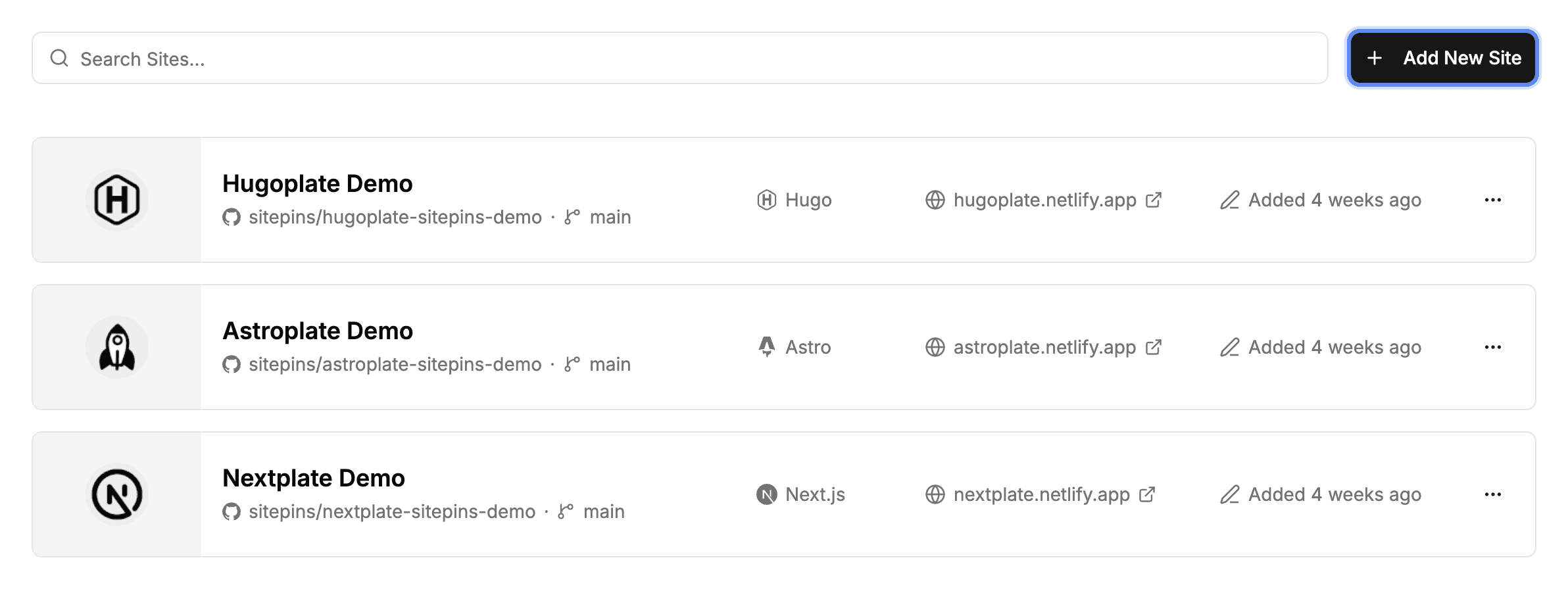
Connect an existing GitHub or GitLab repository to Sitepins in two simple steps.
4. Start from a Template
Don’t have a site yet? Fork a pre-configured Astro, Next.js, or Hugo starter directly into your GitHub account.
5. Configure Your Site
Point Sitepins at your content and media folders so the visual editor knows where files live.
6. Interface Tour
A 30-second map of organizations, the project overview, navigation sidebar, and editor workspaces.
7. Global Search & Copilot
Press Cmd+K / Ctrl+K to jump anywhere or ask the context-aware CMS Copilot questions about your site.