Account in the sidebar menu, or Cmd+K and search for what you need — every section on this page is a search result that jumps straight to it.
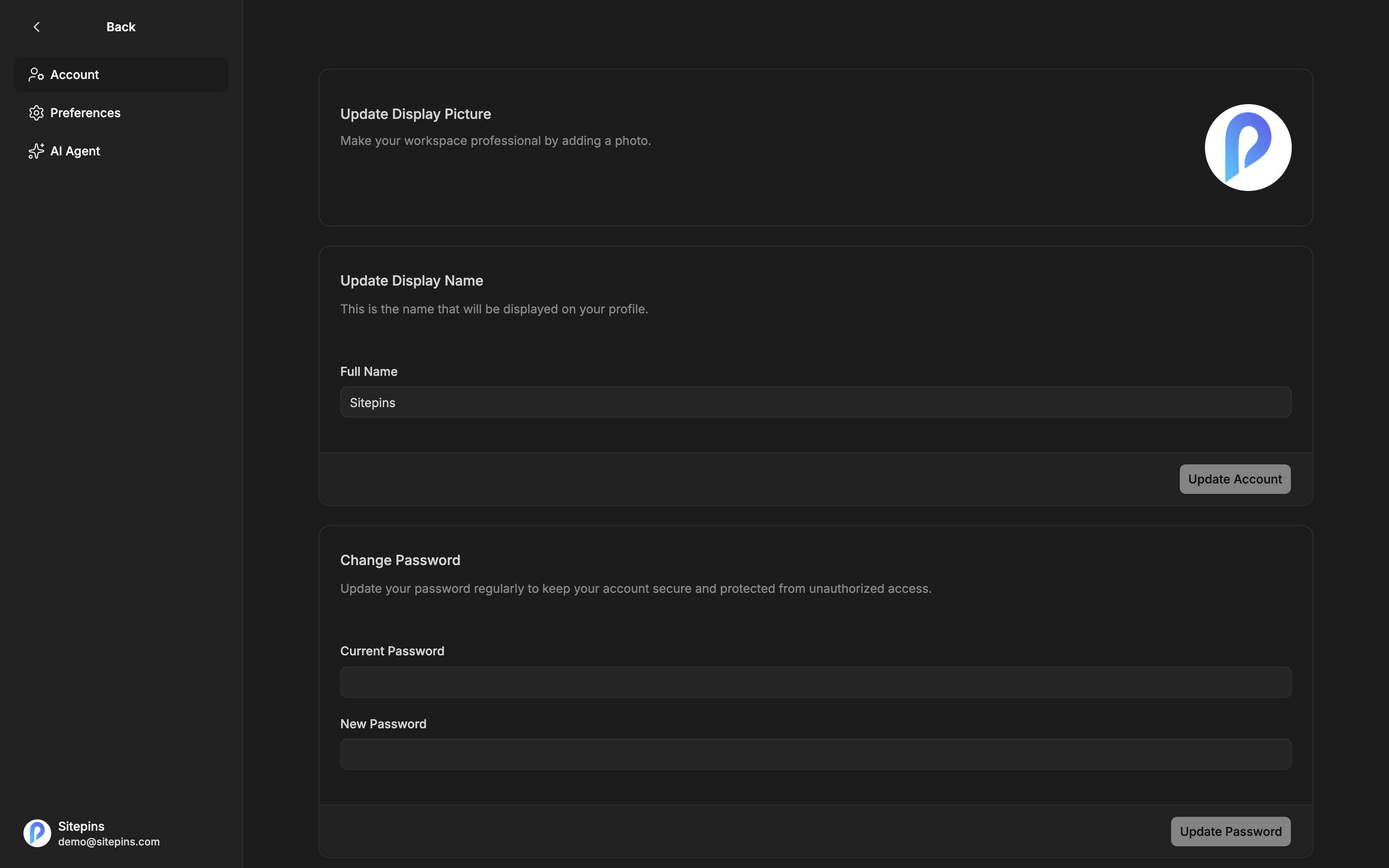
Display Picture
Upload an image to replace the default. Your picture appears on presence avatars, in commit attribution inside Sitepins, and in member lists.
Display Name
Your Full Name is what teammates see — on presence avatars, live cursors, and member lists. If you commit with your own Git identity, it’s also part of how changes are attributed.
Password
What you see depends on how your account was created.
Change Password
For accounts with a password already. Enter your current password and the new one.
Set Password
For accounts created with Google or GitHub, which have no password yet. Enter a new one — no current password is required, since there isn’t one.
Setting a password doesn’t remove social sign-in. You end up with both, which is useful if you ever lose access to the social account.
Newsletter Subscription
A single checkbox: Receive newsletter and product updates. Uncheck it to stop product emails.
This does not affect transactional email — invitations, password resets, and billing notices still arrive.
Delete Account
Permanently removes your Sitepins account.
- Choose a reason: too complex, didn’t work for my website, poor design or UX, too many bugs, missing features, found a better alternative, or other
- Optionally add a comment
- Type
DELETEto confirm
Account deletion is permanent. Organizations you own, and the projects in them, are removed from Sitepins along with their schemas, snippets, and settings. Your Git repositories and their contents are not deleted — but the Sitepins configuration is gone.
Before deleting, if any of this matters:
- Transfer ownership of organizations someone else needs, by moving projects to an organization they own
- Cancel your subscription first, if you have one — see Manage Subscription
Security Notes
Your AI API key is not stored here. It lives in your browser only and is never written to the Sitepins database. See AI Assistant.
Git provider tokens are stored per user and refreshed automatically. Revoke Sitepins’ access at any time from GitHub or GitLab directly — uninstall the GitHub App or revoke the GitLab authorization.
Sessions end when you sign out. Signing out in one browser doesn’t sign you out elsewhere.