Pro plan. Available on Pro and above, during the free trial, and in every self-hosted install.
By default the sidebar mirrors your repository’s folder structure. That’s usually right for developers and often wrong for editors — folder names like src/content/blog mean nothing to a marketer, and the ordering follows the filesystem rather than importance.
Sidebar Arrangement lets you build the navigation editors actually need, without moving a single file.
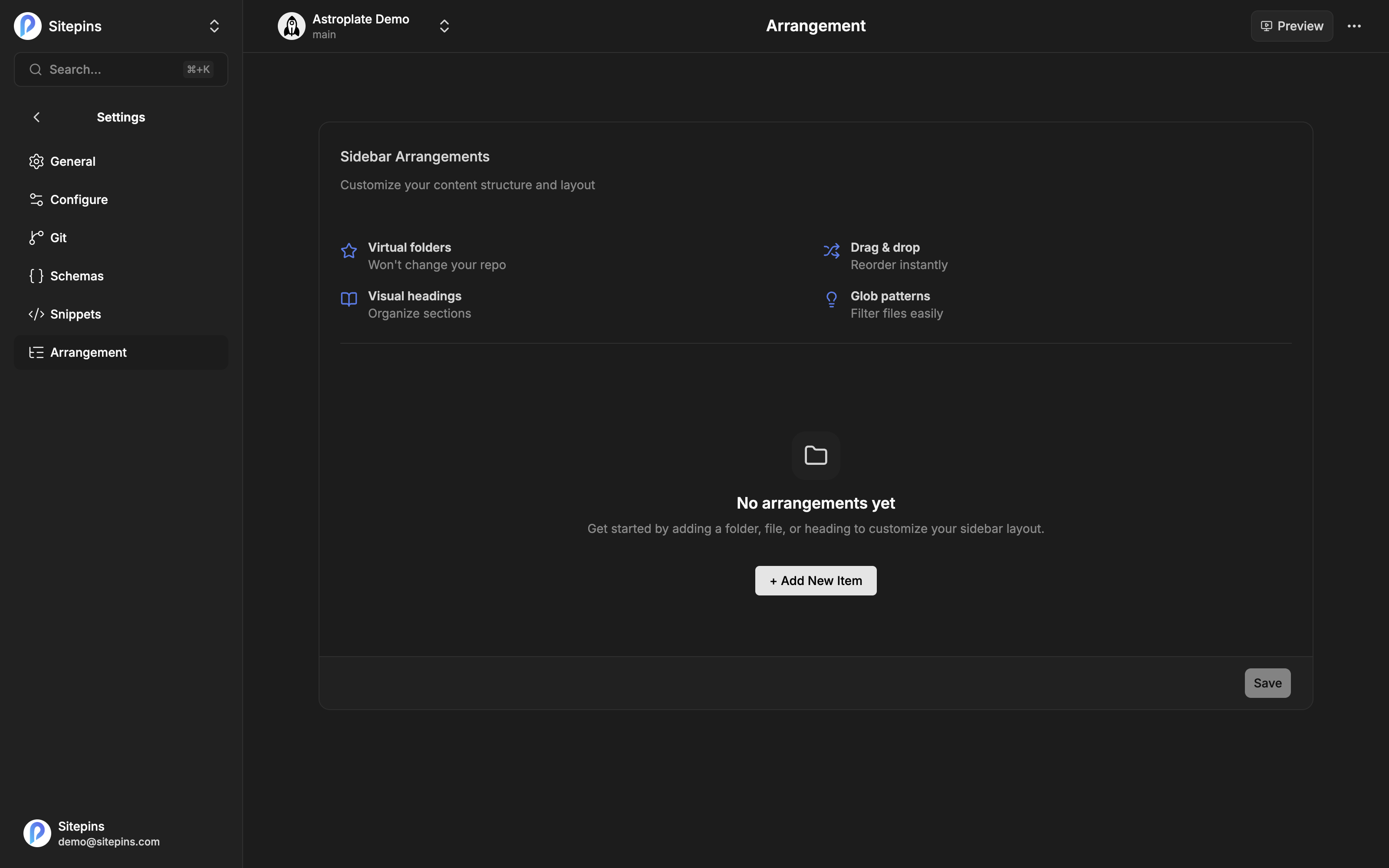
Opening It
Go to Project Settings → Arrangement.
What You Can Add
Three item types, arranged in any order.
Folder
Groups a content folder under a name you choose, with optional filters.
| Field | Example |
|---|---|
| Select Folder | src/content/blog |
| Group Name | Blog Posts |
| Include | *.md |
| Exclude | *index.md |
Include and exclude take glob patterns, so you can surface just the files editors should touch and hide the rest.
File
Pins one specific file to the sidebar under a friendlier name.
| Field | Example |
|---|---|
| Select File | src/content/index.md |
| Name | Home |
Useful for landing pages that live at an awkward path but get edited constantly. You can also rename the underlying file from here.
Heading
A plain text label that breaks the sidebar into visual sections.
| Field | Example |
|---|---|
| Name | Documentation |
Reordering
Drag any item to reposition it. The order in this list is the order in the sidebar.
Click Save when you’re done. Everyone editing the project sees the new layout.
Rules
- Group names and headings must be at least 2 characters
- No duplicate names — two groups or headings that would produce the same label are rejected, since editors couldn’t tell them apart
What It Doesn’t Change
Nothing in your repository. Arrangement is stored in .sitepins/config.json and is purely a display layer:
- Files stay where they are
- URLs and slugs are unaffected
- Your site builds exactly as before
- Schemas still match on real folder paths, not display names
Delete the arrangement and the sidebar goes back to mirroring the repository.
When to Use It
Good reasons:
- Repository folder names are technical and the editing team isn’t
- Content is spread across folders that belong together conceptually
- A handful of files get edited constantly and shouldn’t be three clicks deep
- Some files in a folder are generated or structural and shouldn’t be touched
Reach for something else when: the real problem is that your content structure is wrong. Arrangement papers over a confusing structure; it doesn’t fix it. If the folders themselves are the issue, reorganize them with file and folder actions instead.